Engage

The answer, while the buyer is still asking.

Reps answer from memory because the real answer lives somewhere they cannot reach mid-call. Engage puts the approved one in front of them.

Prep before. Answers during. Follow-up after.

Our Customers’ Success

25,000monthly interactions
5xincrease in daily partner Q&A, from 5-6 to 25-30
2xproductivity in 6 months

One governed layer, the whole life of a deal.

Content in Highspot, context in Confluence and SharePoint, deal history in Salesforce and call recordings. Sellers felt the seams every day.

One source of truth now carries a rep from prep, through the call, to CRM writeback — and the same Brain answers the partner ecosystem.


UiPathRead the UiPath story →
20,000+prompts used
Respondand Engage, on the same answer layer
$3Mannual benefit from ROI analysis

The answer layer got used, not just installed.

Twenty thousand prompts is not a pilot metric. It is what happens when the answers reps need are in the tool they already have open.

Respond handles the documents. Engage puts the same approved material in front of the people carrying the number.

Sprout SocialSee the customer stories →

Three moments, one answer layer.

A deal is not a document. It is a sequence of conversations, and a rep can lose it in any of them. Engage covers the three that decide it.

  1. BriefThe pre-call brief in Slack
    Before What changed on the account, what this buyer cares about, and the open questions from the last conversation.
  2. AnswerApproved answer with its source, mid-call
    During Security, roadmap, pricing logic, a commitment made in a past proposal. The approved answer, with the source attached.
  3. Deal intelligence after the call
    After Scribe records it. The follow-up, the action items and the CRM fields come back as a draft the rep approves.

Deal preparation

Nobody walks in cold.

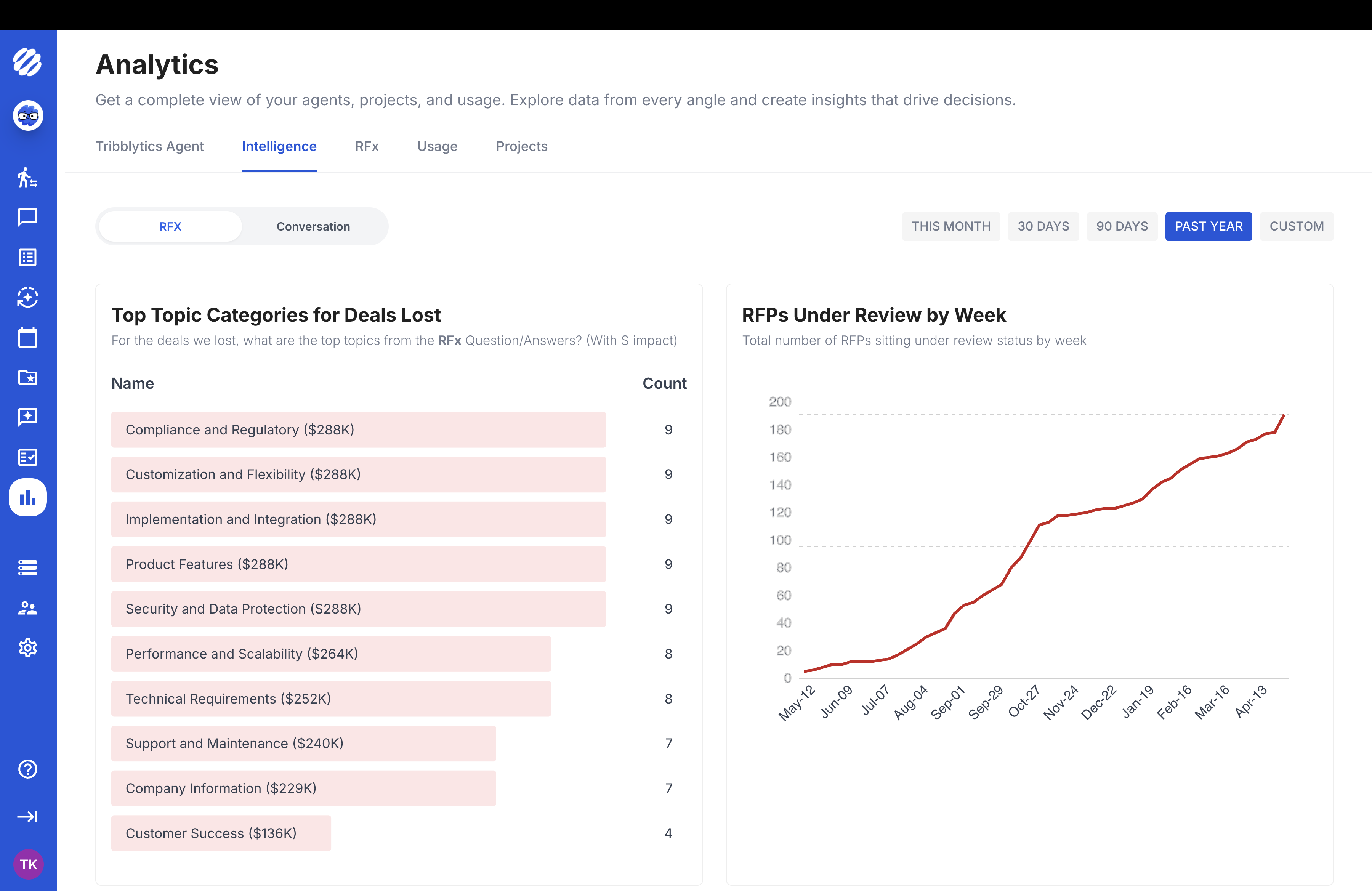
Engage builds the brief from the CRM record, the calendar, the last calls and any response work already open on the account. What changed since the last conversation, what this buyer has pushed on before, and the questions left unanswered.

It is the prep a rep would do with two free hours, done before a call they booked yesterday.

Pre-call brief1600 × 900 · the brief in Slack: account changes, buyer priorities, open questions
Brief out Account changes, buyer priorities, open questions from last time.

Live buyer support

The question that stalls the deal is always the one nobody prepped.

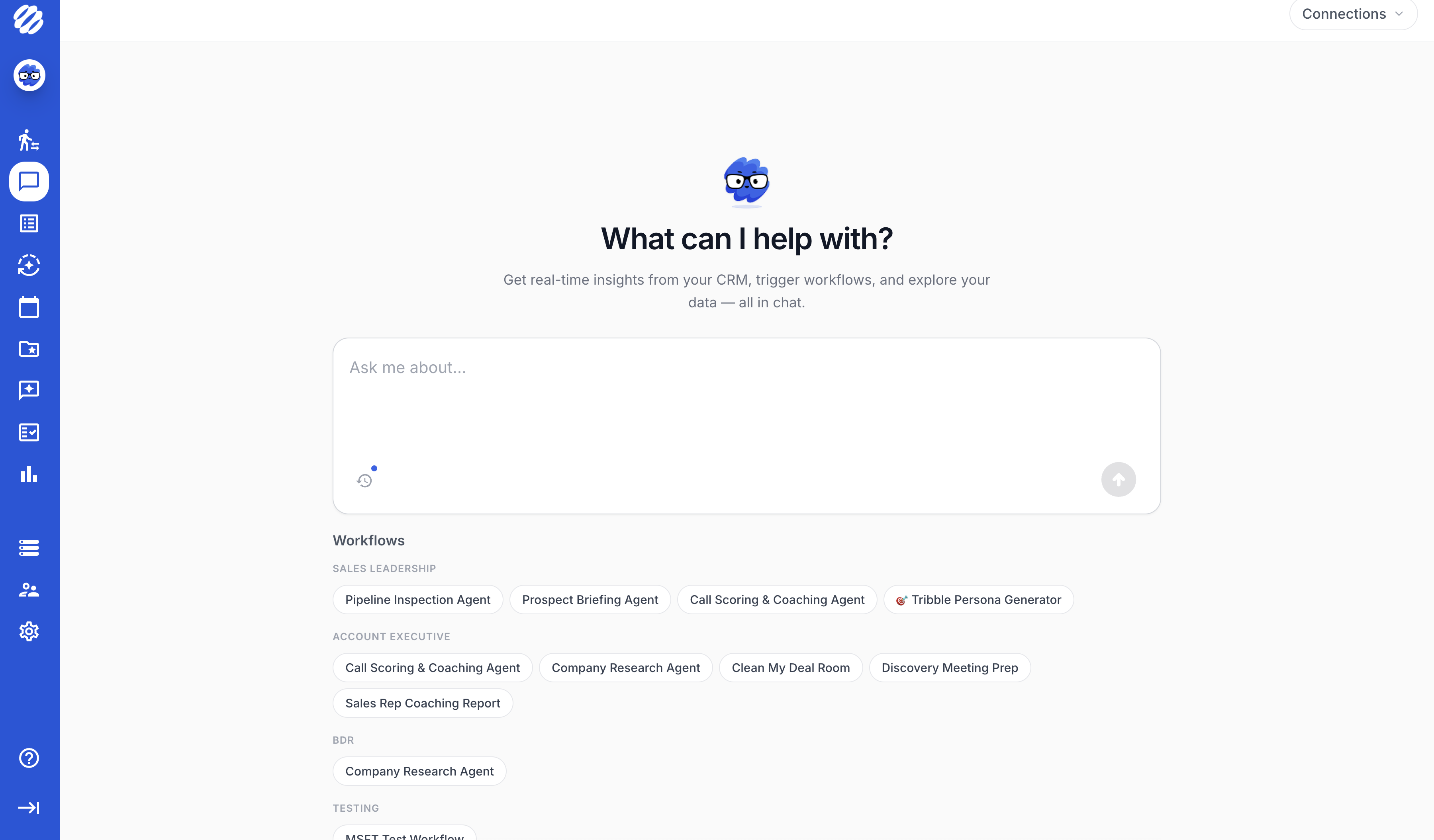
Security controls, data residency, the integration roadmap, pricing logic, a competitor claim, or something your own proposal team committed to in writing eight months ago. Engage returns the approved answer with its source, in the thread the rep already has open.

When the answer is not approved, it says so and routes the question to the person who owns it rather than guessing.

Live answer1600 × 900 · an approved answer mid-call, source attached, in Teams
Answer out Approved answer, source attached. Uncertain ones route to an expert.

Follow-up and CRM

CRM hygiene fails because it is homework.

Scribe records the call, so the follow-up email, the action items, the field updates, the risk signals and the methodology notes are drafted from what was actually said. The rep reviews and approves. Nothing is written without them.

What the conversation taught goes back into the answer layer, which is why the next rep asking the same question gets a better answer than this one did.

Deal intelligence from calls and responses
Draft out Follow-up, action items, CRM fields and risk signals. The rep approves.

What is Engage?

Governed

Every answer a rep gives a buyer comes from content someone approved, with the source named. When the answer is not there, Engage says so and routes the question to the person who owns it. A rep guessing well is still a rep guessing.

The Whole Conversation

Prep before, answers during, follow-up and CRM after. Scribe records the call so the last part is written from what was said. Three moments that decide a deal, covered by one product rather than three tools that do not talk.

In the Flow of Work

Slack, Microsoft Teams, the CRM, the call itself. No new tab for a rep to remember mid-conversation. Licensed per seller, so a pod can go first and the floor can follow.

Works with your stack

Reads the deal. Writes back to it.

CRM, calendar, call recordings, drives and wiki feed the brief. The follow-up and the field updates go back to the same opportunity, so nothing lives only in the rep’s head.

Salesforce HubSpot Slack Microsoft Teams Gong Google Drive SharePoint Confluence Box

What is the Brain?

The Brain is the governed answer layer underneath Engage and Respond both. Every source with an owner, a version and a review state — so the answer a rep gives on a call and the answer the proposal team defends in a questionnaire are the same answer.

See the platform

4.8/5

Fall 2026

G2 High Performer, AI Sales Assistant, Fall 2026 G2 High Performer, Enterprise AI Sales Assistant, Fall 2026 G2 High Performer, AI Sales Assistant, Americas, Fall 2026 G2 Easiest To Do Business With, AI Meeting Assistants, Fall 2026 G2 High Performer, Enterprise AI Meeting Assistants, Fall 2026 G2 High Performer, Sales Analytics, Fall 2026

Frequently asked questions

What Engage does, where Scribe fits, and how it is licensed.

What is Tribble Engage?

Engage is the seller's workflow. It briefs a rep before the conversation, surfaces approved answers with their sources during it, and drafts the follow-up, action items and CRM updates after. It runs where reps already work: Slack, Microsoft Teams, the CRM and the call itself.

Is Scribe a separate product?

No. Scribe is the call recording inside Engage. It captures the conversation so the follow-up, the CRM fields and the methodology notes are written from what was actually said rather than from memory. It is licensed as part of Engage, not beside it.

How is this different from a conversation intelligence tool?

Conversation intelligence tells you what happened on the call. Engage answers the buyer during it. The difference is the governed answer layer underneath: when a buyer asks about security, pricing logic or a commitment made in a past proposal, Engage returns the approved answer with its source, not a transcript search.

Where do the answers come from?

The same approved knowledge the proposal team defends in RFPs, DDQs and security questionnaires. That is the point of one layer under both products. If security updated an answer for a questionnaire last week, the rep on tomorrow's call gets the updated one.

What happens when the rep asks something we have not approved?

Engage says so rather than filling the gap. Sensitive or uncertain questions route to the named expert who owns that area, the same routing the response workflow uses, and the decision is recorded so the next rep does not have to ask again.

Does it write to our CRM automatically?

It drafts. The rep reviews and approves before anything is written. Field updates, action items, risk signals and methodology notes such as MEDDIC come back as a draft on the opportunity, which is the only version of CRM hygiene reps actually complete.

Which systems does it connect to?

Salesforce, HubSpot, Slack, Microsoft Teams, Gong, Google Drive, SharePoint, Confluence, Box and OneDrive, among others. Engage reads deal history, calendar and prior calls for the brief, and writes back to the CRM after.

How is Engage licensed?

Per seller, per month, for the people in front of buyers. Respond, the response workflow, is licensed to the team instead. Both include access to the Brain. See the pricing page for how the two compare.

Can we start with one team?

Yes, and most do. A pod goes first, the floor follows. Because the knowledge already exists in the Brain, adding sellers later is a licence change rather than an implementation.

Do we need Respond first?

No, but the two compound. Teams that run Respond already have a governed answer layer, so Engage has something to answer from on day one. Teams that start with Engage build the layer from calls and deal history instead.

Bring the question your reps cannot answer.

Three questions your buyers ask on every call that get answered from memory today. We will show you what Engage returns instead, and where the answer came from.

Book a demo

From the blog

Book a demo